How Can We Help?
How to update your personal information
Go to your profile.

Switch to the ‘Profile’ tab.
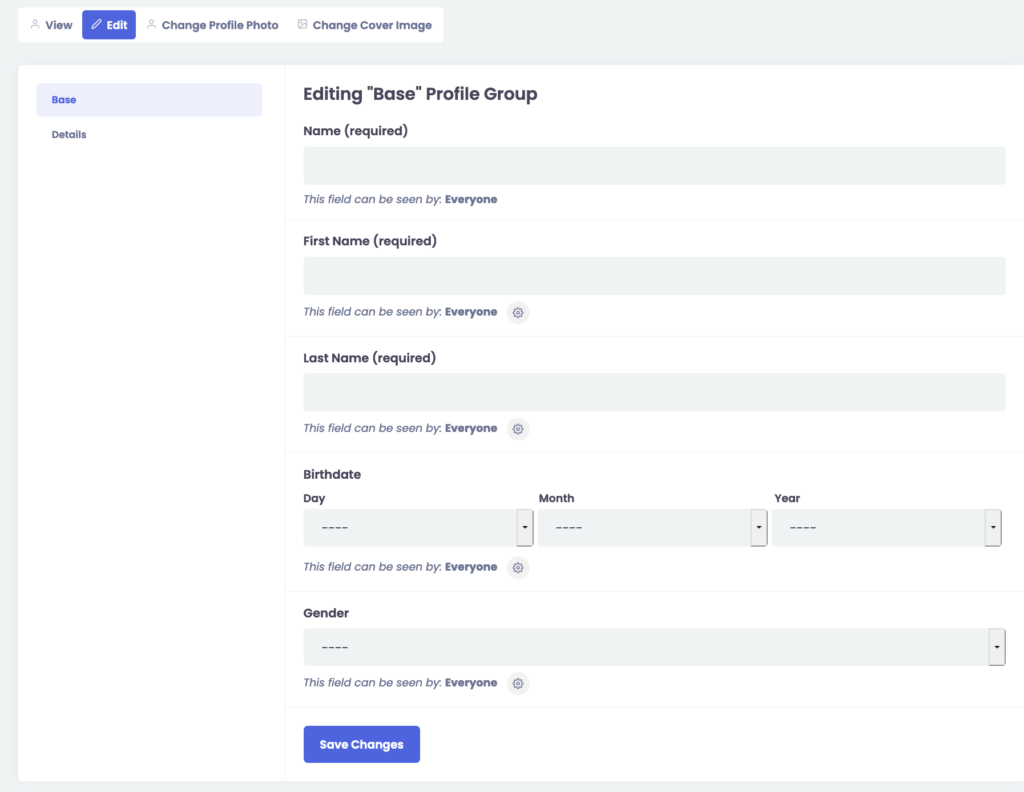
Click ‘Edit’. You should now see your personal details.
Update the necessary fields and click ‘Save Changes’.
Go to your profile.
Switch to the ‘Profile’ tab.
Click ‘Edit’. You should now see your personal details.
Update the necessary fields and click ‘Save Changes’.
A problem, a question, an emergency?
Do not hesitate to visit the help center, we can help you.